
E-Submission Portal
Clerk's Office
The Clerk’s Office uses the eSubmission platform, Granicus. All eSubmissions shall be uploaded using this platform as it provides for a more secure and accountable method of submitting documents.
Same day ex parte submissions must be received and approved by our office by 10:30 a.m. Please be sure to indicate same day ex parte at the time of the initial submission. Failure to do so will result in delays to your filing. Payments for new case submissions or ex parte can be made once the user receives a payment link in the e-submission process.
Questions? Please contact:
Skagit County Clerk’s Office, supcrtclerk@skagitcountywa.gov, 360.416.1800
We welcome your feedback.
Create an Account with Granicus
OKTA Account Home Page
First, select the "Register Here" yellow button to sign up for an OKTA account. Skagit County uses OKTA as our provider for customer account management. This will allow you to have one username and password to access all of Skagit County’s business services.

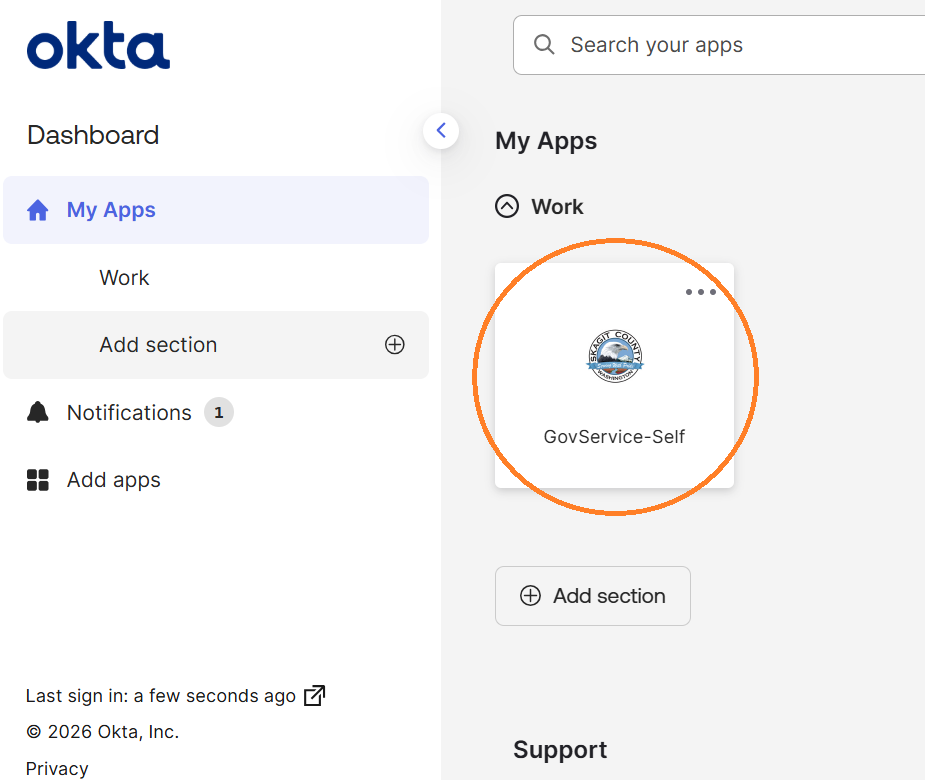
After creating an OKTA account, you will be directed to this page displayed in the righthand side photo.
Click on the "GovService-Self" icon to be directed to the Granicus forms page.
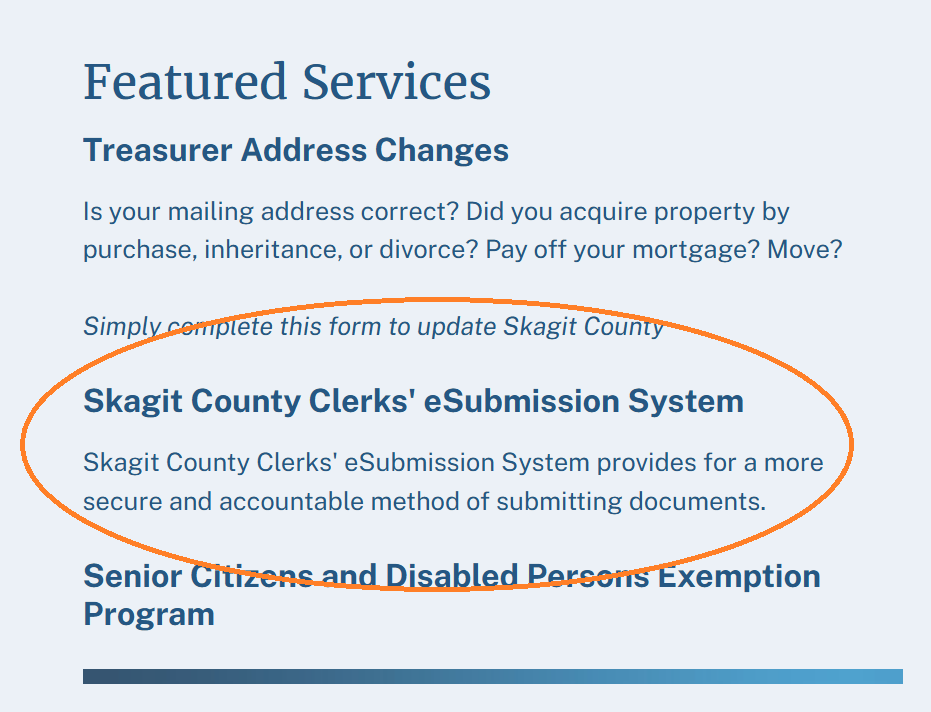
After being directed to the Granicus page displayed to the left, select the Skagit County Clerks' eSubmission System option.
Follow the steps and guidance on the Granicus page to submit
an electronic document to the Clerk's Office!


